25+ years of experience
Decades of practical experience diagnosing problems and repairing computers.

Friendly help, right on your doorstep
A local expert
Right on your doorstep
A slow computer, Wi-Fi that keeps disconnecting or a printer that refuses to work. Whatever is getting in the way, you do not need to know the technical details to ask for help.
Get friendly, professional assistance for your home, with practical advice, clear explanations and a personal service. Clear hourly pricing and no confusing jargon.
Based in Sherburn in Elmet, helping households in Selby & surrounding areas
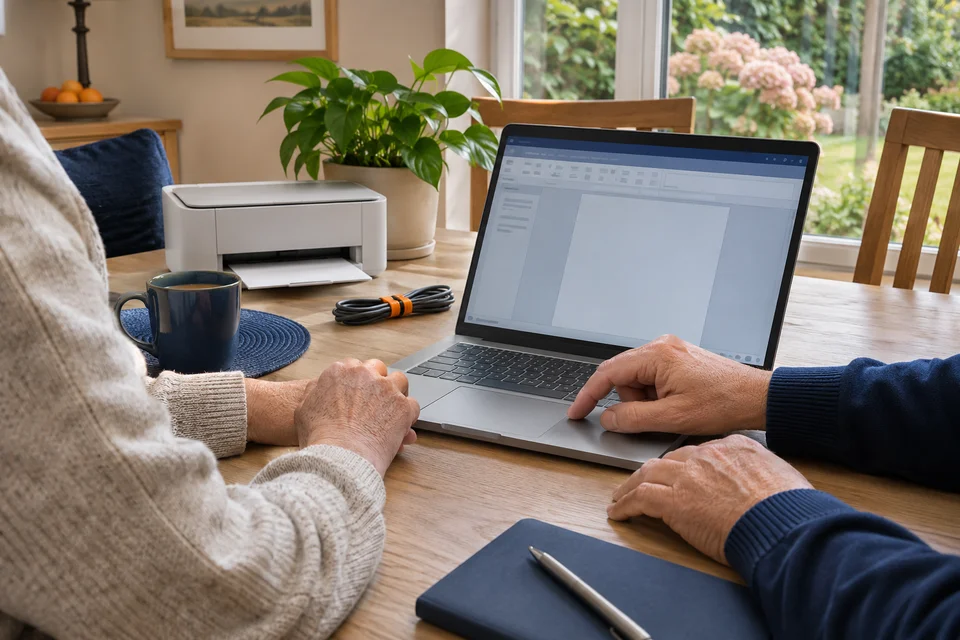
You do not have to figure it out alone
Computers, smartphones, printers and home networks are part of everyday life. When something goes wrong, finding the cause is not always straightforward.
Whether it is a quick fix, an upgrade or a completely new installation, LocallyIT helps you understand your options and get things working as they should.
Decades of practical experience diagnosing problems and repairing computers.
Clear explanations, time to understand the problem and no expectation that you are a computer expert.
Hands-on help at home with computer problems, new equipment and the network that connects it all.
A clear hourly rate, with the work and likely costs discussed before we start. No compulsory ongoing contract.
Practical help for everyday technology
From troublesome laptops and unreliable Wi-Fi to new computers, upgrades and general technical advice. Choose what you need help with, or just tell us what is happening.
Repairs & troubleshooting
Is your computer playing up? We can investigate what is going wrong and explain the most sensible way forward.
Repairs depend on the condition of the equipment and the availability of suitable parts. If a repair is uneconomical, we will explain your replacement options honestly.
Tell us what is happening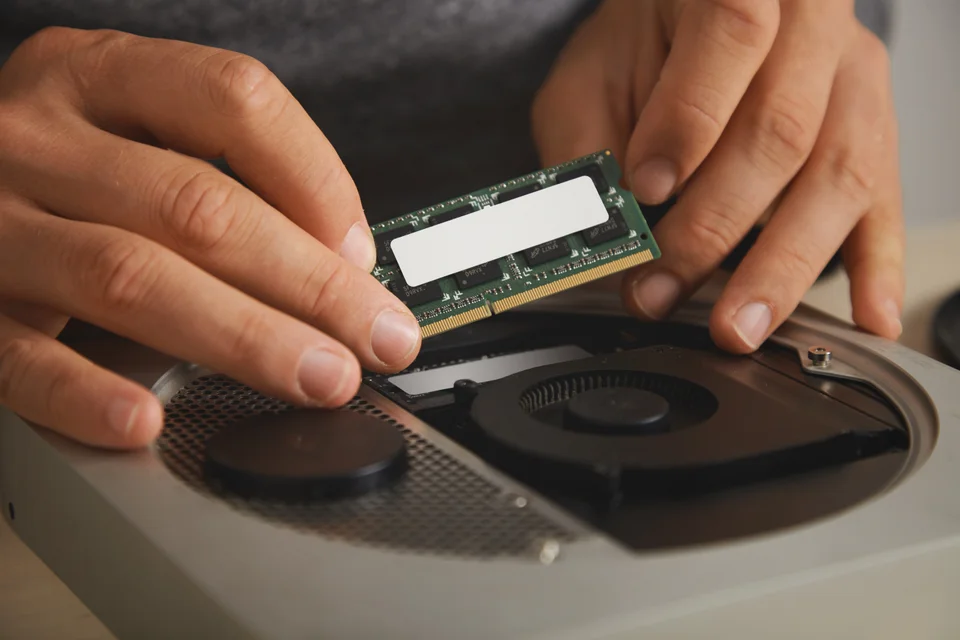
Upgrades & improvements
Give your existing computer a new lease of life. A slow computer does not always need replacing. Suitable upgrades can make a real difference.
We assess the age, condition and compatibility of your computer before recommending an upgrade, so you can decide whether the improvement is worth the cost.
Ask about an upgradeA good start, a better connection
Moving to a new computer or trying to reach that room where the Wi-Fi never works? Get everything working together, with settings and equipment suited to your home.
Bought a new computer? We will help get it ready for everyday use and make moving from your old computer as straightforward as possible.
Transfers depend on the condition of the old computer, software compatibility and licence terms. Not every application, licence or file can always be transferred.
Ask about this serviceUnreliable Wi-Fi or rooms with a weak signal? We investigate your existing equipment, explain the cause and recommend improvements.
We can investigate your home equipment and help you speak to your broadband provider. Faults with the provider’s network need to be resolved by the provider.
Ask about this serviceEveryday programs, clearer peace of mind
Help with the software you rely on, suspicious activity and sensible security settings. Practical improvements, clearly explained.
Help with the programs you use every day, whether familiar software has stopped working or you need something new installed and explained.
Practical setup and troubleshooting, without ongoing software licence management or subscription administration.
Ask about this serviceConcerned about suspicious software? We can investigate, remove unwanted software where possible and help improve everyday security.
No security setup can prevent every threat. We verify the work as appropriate, and explain when a clean Windows installation may be preferable.
Ask about this serviceYour memories, your everyday equipment
From family photographs to a printer that will not connect. Help protecting the things that matter and setting up the equipment you use every day.
Your photographs and documents deserve a reliable backup. Get help keeping files organised, moving them safely and checking they can be restored.
We will help get compatible equipment connected and working, from an awkward wireless printer to a webcam or an external storage drive.
Gaming PCs & custom builds
A computer built around what you actually need. Practical component advice, careful assembly and testing for gaming, creative work or a more demanding home setup.
Backed by 25+ years of hands-on hardware experience, from choosing compatible components to careful assembly and performance testing.
Each build is specified around your requirements. Components and assembly costs are agreed in advance; this is a personal build service rather than a catalogue of ready-made PCs.
Talk about your custom PC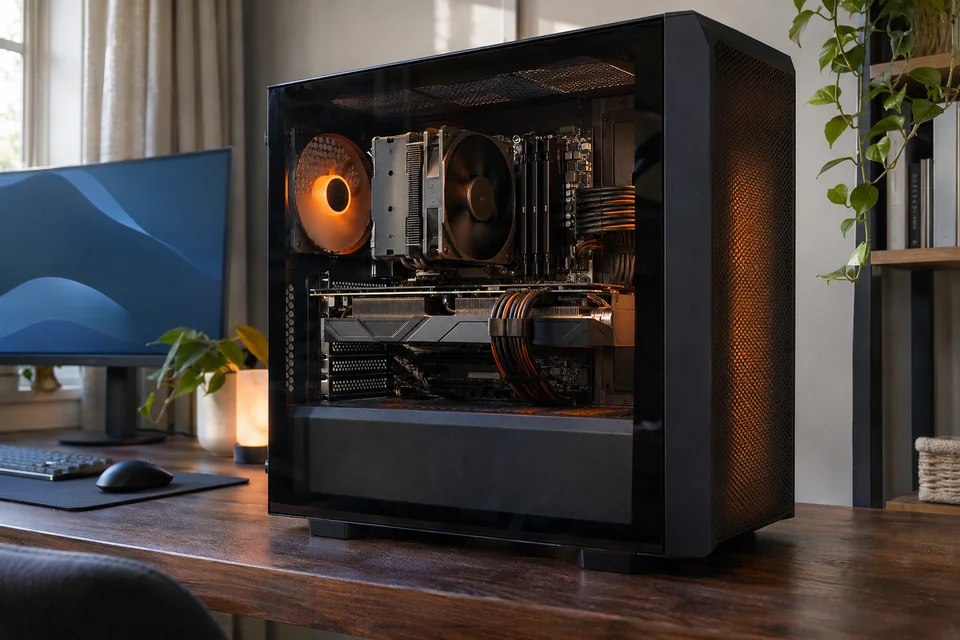
Friendly, one-to-one computer help
You do not need to understand how computers work to use LocallyIT. Whether you are learning something new or want somebody to explain an unfamiliar program, we are happy to help.
Questions are always welcome, however simple they might seem. We go at a pace that suits you and explain things in everyday language.
Ask about one-to-one helpWorking from home?
A reliable computer and internet connection make a better working day. Get practical technical assistance with your home office, without an ongoing workplace IT management service.
Clear costs, no compulsory contract
Friendly, professional IT support for your home. We will discuss the problem, the most suitable approach and the likely time and costs before we begin.
£42/ hour
Including VAT
£35 per hour excluding VAT
Patient, practical help at home or remotely, as appropriate.
Minimum one-hour on-site visit
Get Home IT HelpAny additional time and costs are discussed before work begins. If a repair is not possible, agreed diagnostic time remains chargeable.A straightforward next step
Explain the problem or tell us what you need. You do not have to know the technical details.
We’ll explain how we can help, if a home visit or remote assistance is appropriate and the likely costs.
We investigate the issue, carry out the agreed work and explain what we have done in clear, everyday language.
Why choose LocallyIT?
When something stops working, it is reassuring to have somebody experienced to call. Get professional help with a personal approach and advice that fits your situation.
25+ years of personal experience with computers, hardware, software and networking.
Deal directly with an experienced IT professional who takes the time to understand what you need.
A sensible assessment of whether a repair or upgrade is worthwhile, with your options clearly explained.
Based in Sherburn in Elmet, providing home visits in nearby towns and villages.
Transparent hourly charges, with no compulsory household support plan or ongoing contract.
Friendly explanations and practical advice, with room to ask questions along the way.
Proud to be local
Based in Sherburn in Elmet, providing friendly home computer support in Selby, Garforth and nearby communities. Our core service area is approximately eight miles from Sherburn in Elmet.
Tell us your location and what you need help with, and we will discuss whether we can arrange a visit.
Ask about a home visitA few useful answers
A few things people often ask. For anything specific to your computer or home setup, get in touch.
Talk to LocallyITYes. We provide home visits in Sherburn in Elmet and surrounding areas. Tell us about the problem and your location, and we will discuss a suitable appointment.
Home support is £42 per hour including VAT (£35 excluding VAT). On-site visits have a minimum one-hour charge. We will discuss the likely time and costs before work begins. Hardware and replacement components are charged separately.
We can investigate why your computer is slow and recommend sensible improvements. These might include software maintenance, an SSD upgrade or more memory, depending on the computer’s condition and compatibility.
Not necessarily. Home visits are available, and some problems can be investigated remotely. We will discuss the most suitable approach when you get in touch.
Yes. We can configure a new desktop or laptop, install software, set up email and printers, and transfer files from your previous computer where possible.
Yes. We can investigate coverage and connection problems, assess your existing equipment and recommend suitable changes such as router configuration, mesh Wi-Fi or additional access points.
We can investigate basic file recovery options and help restore existing backups. Recovery is not always possible, particularly if a storage device is physically damaged. We do not provide specialist cleanroom recovery.
We can investigate infections, remove unwanted software where possible and recommend practical security improvements. In some cases a clean Windows installation may be preferable. Complete protection from every threat cannot be guaranteed.
Yes. We can help specify, assemble, configure and upgrade a custom gaming computer around your requirements and budget. Components, assembly and testing are discussed before work begins.
Absolutely. You do not need technical knowledge to ask for help. We provide patient, one-to-one assistance, explain things clearly and welcome your questions.
No compulsory ongoing support contract is required. LocallyIT primarily provides pay-as-you-go assistance, so you can get in touch whenever you need help. If you would prefer a support agreement, we can discuss the options with you. We agree the work and applicable terms before starting.
Yes. We explain whether a repair or upgrade is worthwhile, taking account of the computer’s age, condition, available parts and likely costs.
Let’s get your technology working
From slow computers and unreliable Wi-Fi to new installations, upgrades and everyday questions. Get friendly, professional IT assistance right on your doorstep.
01977 285025